Animify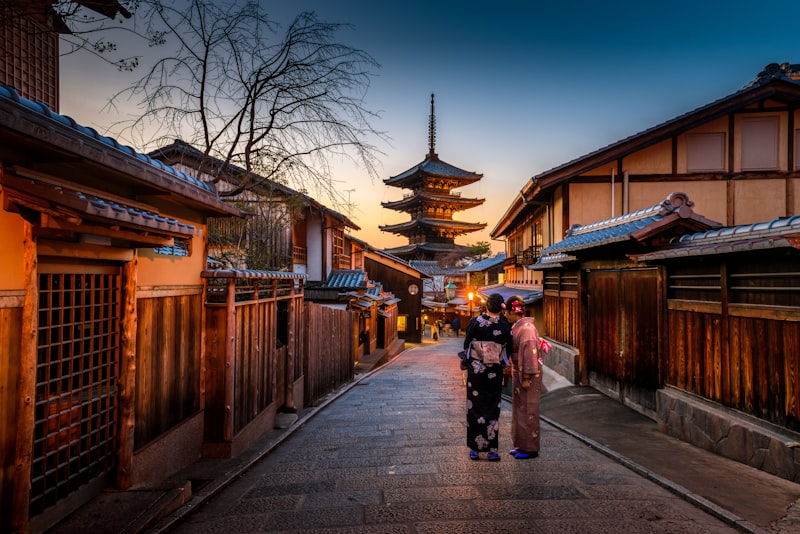
Studio Ghibli's hand-painted aesthetic has captivated audiences worldwide for nearly four decades. From the sweeping meadow of My Neighbor Totoro to the ethereal bathhouse of Spirited Away and the moving castle traversing Howl's Moving Castle, Hayao Miyazaki's films possess a visual language so distinct that even a single frame is instantly recognizable. That signature warmth — the soft watercolor skies, the meticulous attention to natural detail, the gentle, glowing lighting — has become the gold standard for animated beauty.
Until recently, recreating this aesthetic required years of traditional art training or a team of skilled animators. Today, advances in AI image generation have democratized the process entirely. You can now transform a simple smartphone photo into artwork that genuinely captures the Ghibli essence — the painterly textures, the nostalgic color palettes, the dreamlike atmosphere — in under 10 seconds. This guide covers everything you need to know to get consistently beautiful, Miyazaki-worthy results from any photo.
What Makes the Studio Ghibli Art Style So Distinctive?
Before you can effectively replicate the Ghibli style with AI, it helps to understand what you're asking the algorithm to produce. The Studio Ghibli aesthetic is not a single technique but a carefully orchestrated combination of visual principles refined over dozens of films.
The Ghibli Color Palette: Warmth Grounded in Nature
Ghibli films avoid harsh, saturated digital colors in favor of an earthy, organic palette. Greens lean toward moss, olive, and sage rather than neon lime. Blues are sky-toned and atmospheric — cerulean, periwinkle, the deep indigo of twilight. Reds appear as muted brick, terracotta, or the soft vermilion of traditional Japanese architecture. This restrained palette creates an immediate sense of warmth and familiarity. When you look at a Ghibli frame, you feel like you've been there before, even if the place doesn't exist.
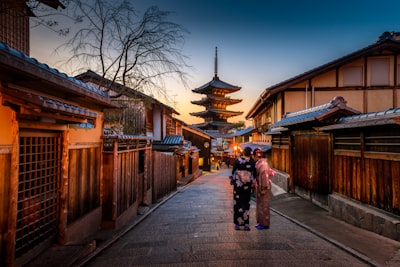
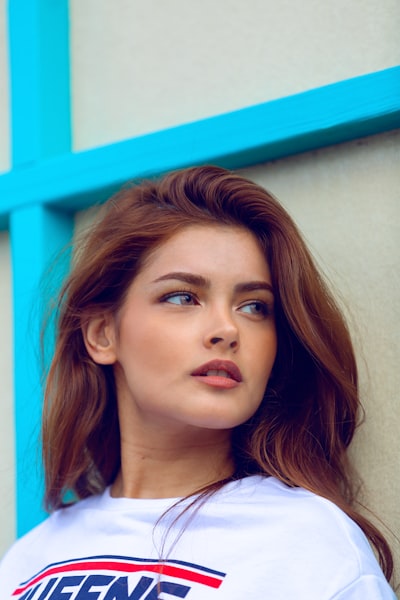 Soft, natural lighting produces the most authentic Ghibli-style results
Hand-Painted Texture and the Absence of Hard Lines
Unlike many anime styles that rely on bold, uniform outlines (think of the thick black contours in Dragon Ball or One Piece), Ghibli art favors a softer approach. Backgrounds are rendered with visible brushstrokes and watercolor-like washes. Foreground elements blend gently into their surroundings. This painterly quality is what gives Ghibli frames their extraordinary depth — you can almost feel the texture of the grass, the roughness of tree bark, the softness of a character's hair.
When AI attempts Ghibli style, it's this textural quality that separates mediocre results from excellent ones. The best Ghibli AI filters produce output that looks like it was painted on textured paper, not rendered on a screen.
Atmospheric Lighting: The Ghibli Glow
Miyazaki's films are masterclasses in lighting. Golden-hour sunlight filters through leaves, casting dappled shadows across characters' faces. Interior scenes glow with the warm light of oil lamps and hearth fires. Night scenes are lit by starlight and the soft luminescence of fireflies. This careful attention to natural light sources creates the dreamlike quality that defines the Ghibli aesthetic.
Reverence for Nature
Perhaps the most defining characteristic of Ghibli's visual identity is its treatment of the natural world. Forests are not just backdrops — they are living, breathing presences. Water moves with hypnotic realism. Wind rustles through fields of grass in individually animated strands. Food steams and glistens. This meticulous rendering of natural detail is what gives Ghibli films their profound sense of place and emotional resonance.
How AI Replicates the Ghibli Aesthetic: The Technology Behind the Filter
Understanding how Ghibli-style AI generators work helps you make better choices about which photos to use and how to interpret the results. The process involves more than a simple Instagram-style overlay.
Image-to-Image Generation vs. Simple Filters
Many people assume that turning a photo into Ghibli art is similar to applying a Prisma filter. It is fundamentally different. A filter overlays effects onto your existing pixels — adjusting colors, adding grain, or tracing edges. An AI anime generator, by contrast, reconstructs your entire image using a generative model trained on millions of artworks. The AI analyzes your photo's structural elements — facial geometry, object boundaries, lighting direction, depth information — and then redraws the entire scene in the target artistic vocabulary.
This reconstruction approach is why AI-generated Ghibli art can achieve effects that filters cannot: genuine watercolor bleeding at texture boundaries, atmospheric haze that integrates with the scene's depth, and organic brushstroke patterns that follow the contours of objects.
Style Prompt Engineering for Ghibli Output
Behind every AI anime generator is a carefully crafted style prompt — a text instruction that guides the model's output. A well-engineered Ghibli prompt includes references to:
- Soft watercolor textures — instructs the model to avoid sharp digital edges
- Warm, gentle color palette — biases output toward earth tones and pastels
- Hand-painted aesthetic — triggers brushstroke-like rendering patterns
- Dreamy, atmospheric lighting — adds the characteristic Ghibli glow
- Studio Ghibli / Miyazaki reference — anchors the style to the target aesthetic
The quality of these prompts is what distinguishes one Ghibli AI tool from another. At AnimifyAI, our Ghibli style prompt has been refined through hundreds of iterations to produce consistent, authentic-looking results across diverse photo types.
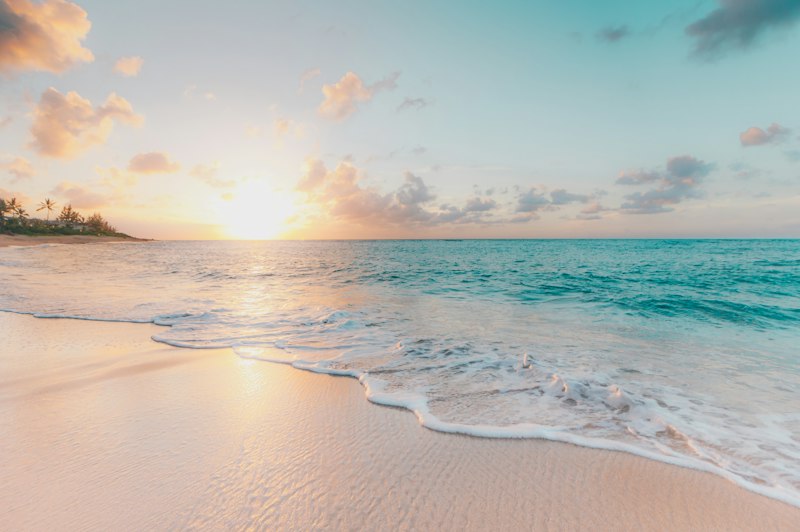 Landscapes with natural elements like water, trees, and sky produce the strongest Ghibli transformations
Step-by-Step: Turning Your Photo Into Ghibli Art
Here is the complete workflow for getting the best Ghibli-style transformation from your photos, using AnimifyAI's free AI anime generator.
Step 1: Choose the Right Source Photo
The single most important factor in your result is the photo you start with. The AI can enhance good photos dramatically, but it cannot rescue fundamentally poor source material. Prioritize:
- Natural lighting: Photos taken outdoors in daylight, especially during golden hour, produce the most authentic Ghibli results. Avoid harsh flash photography and heavily backlit shots where the subject appears as a silhouette.
- Natural backgrounds: Trees, gardens, fields, water features, mountains, and sky transform beautifully in Ghibli style. Urban backgrounds can work but tend to lose the organic, pastoral quality that defines the aesthetic.
- At least 512 x 512 pixels: Higher resolution source images give the AI more detail to work with, resulting in sharper, more nuanced output.
- Clear subject: Whether it's a person, a pet, or a landscape, make sure the main subject is well-defined and not lost in a cluttered composition.
Step 2: Select the Ghibli Style
On AnimifyAI, upload your photo and choose the Ghibli style from the six available anime aesthetics. Each style targets a different artistic tradition — our watercolor style creates softer, more ethereal results, while Ukiyo-e produces bold, graphic woodblock-print aesthetics. For authentic Miyazaki-inspired output, Ghibli is the clear choice.
Step 3: Generate and Evaluate
Click generate and the AI processes your photo — typically 5 to 15 seconds. Review the result. Look specifically for: color palette (does it have that warm, earthy Ghibli quality?), texture (are edges soft and painterly rather than digitally crisp?), lighting (does the image have atmospheric depth?), and subject preservation (is the original subject still recognizable?).
Step 4: Iterate If Needed
If your first result is not ideal, try a different photo of the same subject — even a slight change in angle or lighting can produce a meaningfully different output. Photos with more natural elements (trees, water, sky) almost always produce stronger Ghibli transformations than photos dominated by man-made structures.
Tips for the Most Authentic Ghibli Results
After processing thousands of Ghibli-style transformations, we have identified patterns that consistently produce the best output:
Outdoor Photos Are Your Best Bet
Ghibli films spend most of their runtime outdoors, and the AI has internalized this association. A photo of someone standing in a garden will produce a far more convincing Ghibli transformation than the same person photographed in a fluorescent-lit office. When possible, take your photo outside before uploading it for transformation.
Embrace Imperfection
One quality that makes Ghibli art feel human is its imperfection — the slightly uneven brushstroke, the asymmetrical cloud, the organic irregularity of natural forms. Do not expect or desire hyper-polished, CGI-perfect output. The charm is in the painterly imperfections.
This principle also means you should not discard a transformation just because it looks slightly "off" on first glance. Ghibli-style AI output often rewards a second look — the warmth emerges from the texture, not from razor-sharp precision. Compare your result to actual Ghibli backgrounds rather than to digitally polished anime, and you will find the aesthetic lands exactly where it should.
Ghibli Style vs. Other Anime Aesthetics: When to Choose What
The Ghibli style is not always the right choice for every photo or purpose. Here is how it compares to other popular anime aesthetics:
| Style | Best For | Mood | Color Profile |
|---|---|---|---|
| Ghibli | Nature shots, family portraits, travel photos | Warm, nostalgic, magical | Earth tones, pastels, soft greens |
| Shinkai | Cityscapes, dramatic skies, couple photos | Cinematic, emotional, breathtaking | Vibrant blues, golden light, high contrast |
| Cyberpunk | Night photos, urban portraits, gaming content | Edgy, futuristic, intense | Neon pinks, electric blues, dark purples |
| Watercolor | Romantic photos, artistic portraits, floral shots | Soft, romantic, ethereal | Pastel washes, muted tones, gentle gradients |
How Ghibli AI Art Compares to Real Ghibli Animation Frames
It is worth setting realistic expectations. AI-generated Ghibli art, while impressive, differs from actual Studio Ghibli animation in meaningful ways. Real Ghibli frames benefit from intentional composition choices made by human directors — every leaf placement, every shadow angle, every character expression is the result of deliberate creative decisions. AI output, by contrast, is statistical: the model produces what is probabilistically likely given the input, not what is artistically meaningful.
That said, the gap is narrowing rapidly. The latest generation of AI models produces Ghibli-style images that could plausibly pass as concept art from a Ghibli production. Backgrounds, in particular, reach remarkably high quality — the AI's ability to render detailed natural environments rivals what you might see in a Ghibli establishing shot. Character faces remain the area where AI struggles most relative to hand-drawn animation, though results are improving with each model iteration.
Creative Uses for Your Ghibli-Style Photos
Once you have your Ghibli transformation, the creative possibilities extend well beyond just saving it to your camera roll:
- Custom wall art: Print your Ghibli portrait on canvas for unique home decor. The painterly texture of Ghibli-style output translates beautifully to physical prints.
- Personalized gifts: Transform a friend or family member's photo into Ghibli art and frame it. Few gifts feel as thoughtful as custom anime artwork.
- Social media profiles: A Ghibli-style profile picture stands out on any platform. See our guide on creating anime profile pictures for platform-specific tips.
- Creative projects: Use Ghibli transformations as book covers, album art, or concept illustrations for creative writing projects.
Frequently Asked Questions About Ghibli AI Filters
Is there a free Ghibli AI filter?
Yes. AnimifyAI offers 2 free Ghibli-style transformations with no account required. You can try the Ghibli style on different photos before deciding whether to purchase additional credits. Unlike some tools that put watermarks on free output, AnimifyAI's free generations are clean and watermark-free.
Can I turn any photo into Ghibli art?
Yes — portraits, landscapes, pet photos, group shots, and even food photography all work with the Ghibli style. However, results vary based on photo quality and content. As discussed above, outdoor photos with natural lighting consistently produce the strongest output.
How long does the transformation take?
Most Ghibli-style transformations complete in 5 to 15 seconds. During periods of high traffic, processing may take slightly longer as our dual-engine system manages the queue.
Is the Ghibli style copyrighted?
Art styles themselves are not copyrightable — only specific artworks are. Using AI to generate images in a Ghibli-inspired aesthetic is legally distinct from reproducing actual Ghibli frames. For a deeper discussion, read our guide to AI art ethics and copyright.
Start Creating Your Own Ghibli Art Today
The magic of Studio Ghibli has always been about making the ordinary feel extraordinary — turning a bus stop in the rain into a moment of quiet wonder, or a bowl of ramen into a feast for the senses. AI Ghibli generators extend that philosophy to your personal photos. That picture from last summer's hike, the portrait of your pet dozing in a sunbeam, the snapshot of your family gathered in the garden — each one can become a piece of Ghibli-inspired art in seconds.
Ready to transform your photos? Head to the AnimifyAI Generator and get 2 free Ghibli-style transformations instantly. No account, no watermark, no hassle — just upload, select the Ghibli style, and watch the magic happen. For more comparisons of available tools, check out our complete comparison of the best AI anime generators in 2025.
Whether you are turning a family photo into a nostalgic keepsake or giving your pet the Totoro treatment, our free Ghibli AI filter makes the entire process effortless. Pick your favorite shot and see it transformed in seconds — because the only thing better than watching a Miyazaki film is seeing yourself inside one.